


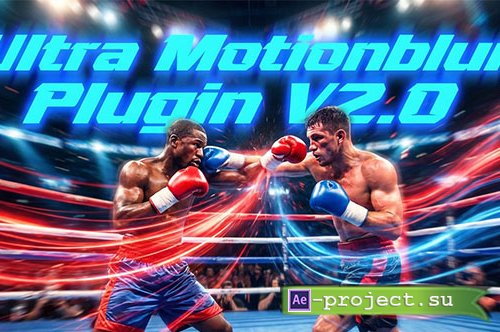
Ultra Motionblur Plugin V2.0 - DaVinci Resolve
DaVinci Resolve | Tutorial | drfx | 24.5 MB
DaVinci Resolve | Tutorial | drfx | 24.5 MB
HOW TO USE?
Just doubble click the DRFX file
Open DaVinci Resolve
Click on Install
Go to Effects Libary (If you can’t see it: restart DaVinci Resolve)
Search for CarVinci Ultra Motionblur Plugin
Drag and Drop on your clip
Adjust the Motionblur Strength
adjust the Curve how you want
Done!!!
info:
https://carvinci.com/b/motionblur
Скачать | Download:
