


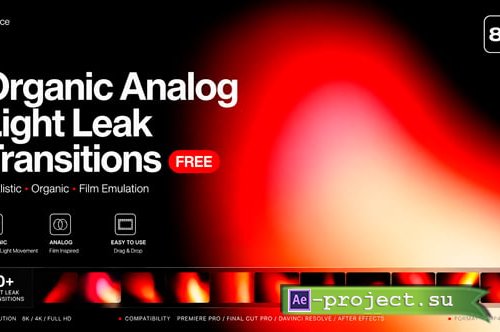
Videohive - Organic Analog Light Leak Transitions For DaVinci Resolve - 63662563
DaVinci Resolve Version 20 | Resizable | No plugins | 135MB
DaVinci Resolve Version 20 | Resizable | No plugins | 135MB
https://videohive.net/item/organic-analog-light-leak-transitions-for-davinci-resolve/63662563
✅ FEATURES
10+ Unique Organic Analog Light Leak Transitions
Handcrafted with authentic film-inspired color tones
Warm golden, orange, red, and soft white light variations
Full HD & 4K Resolution Ready
No third-party plugins required
Simple drag and drop workflow
Full alpha channel transparency (MOV / PNG sequence)
Works seamlessly between any two clips
Each transition has a unique organic, non-repeating motion
Sound FX compatible
Easy color customization in After Effects
Well-organized and clearly labeled project structure
FILES INCLUDED
10+ MOV Files with Alpha Channel (ProRes 4444)
After Effects Project File (.aep) — CC 2020 and above
PDF Help / Read Me File
Video Tutorial
SOFTWARE REQUIREMENTS
DaVinci Resolve
Also compatible with Premiere Pro, DaVinci Resolve, Final Cut Pro X, and any video editor that supports MOV with Alpha Channel
HOW TO USE
1. Open Adobe After Effects or your preferred video editor 2. Import the MOV transition file from the pack 3. Place the transition clip on a new layer between two video clips 4. Set the blend mode to “Screen” or “Add” 5. Adjust the duration and opacity to taste 6. Render and export your final edit
IDEAL FOR
Wedding Films & Romantic Videos
Fashion & Lifestyle Content
Travel & Adventure Vlogs
Indie & Cinematic Music Videos
Portrait & Beauty Editorials
Retro & Vintage Style Projects
Documentary & Short Films
Instagram Reels & TikTok Content
Commercial & Brand Videos
PLEASE NOTE
Скачать | Download:
